




eca-emacs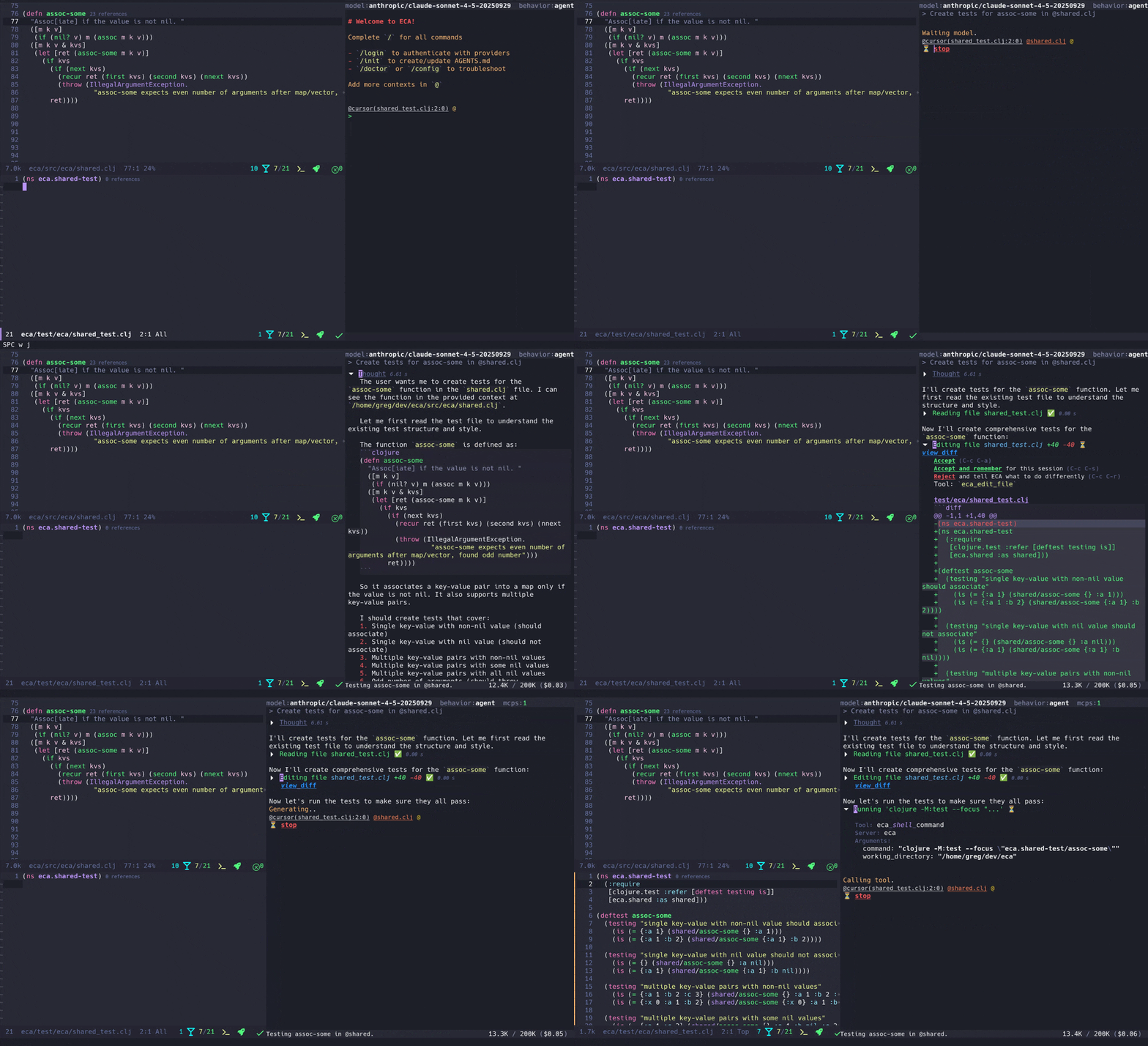 |
eca-vscode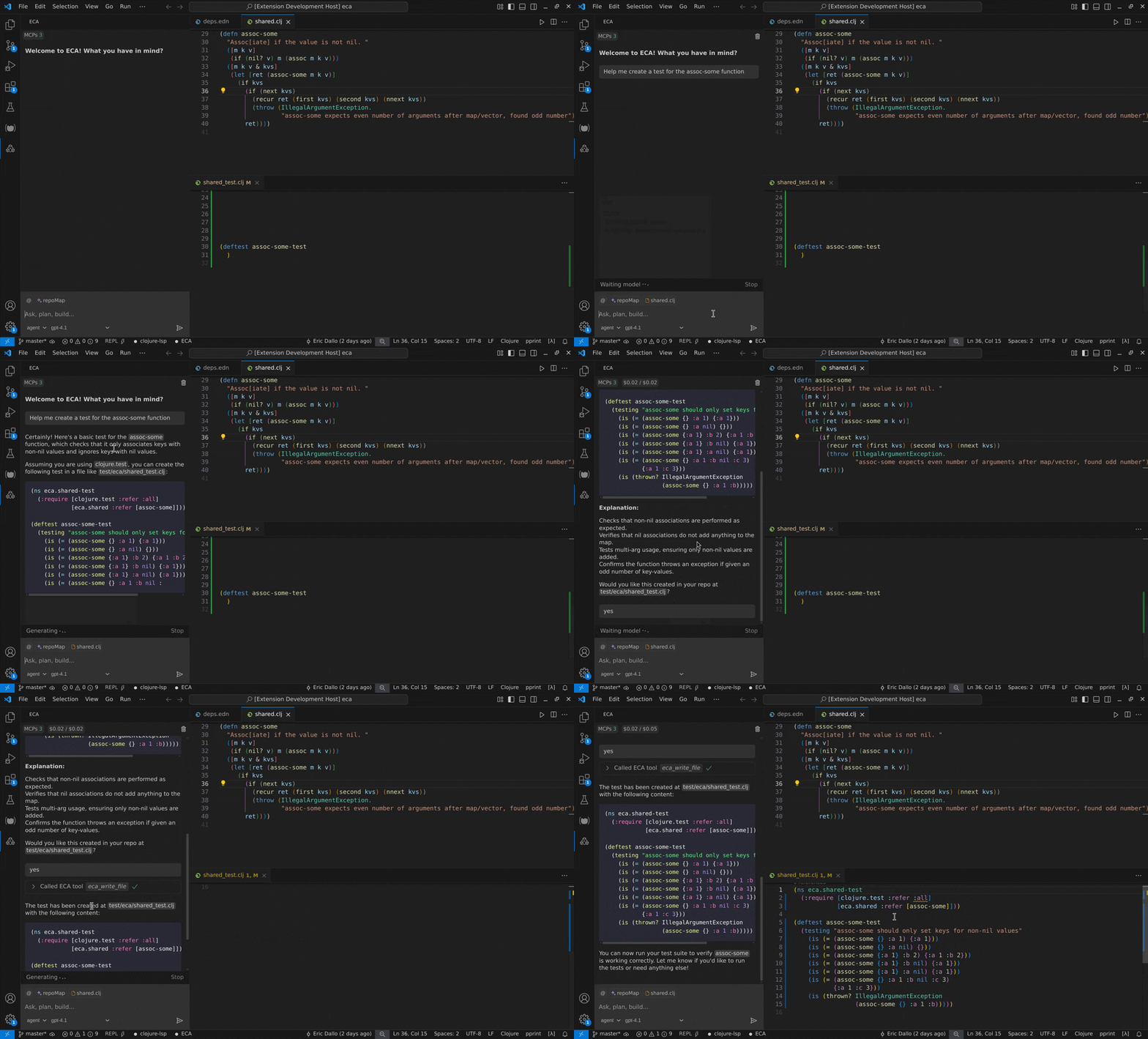 |
eca-intellij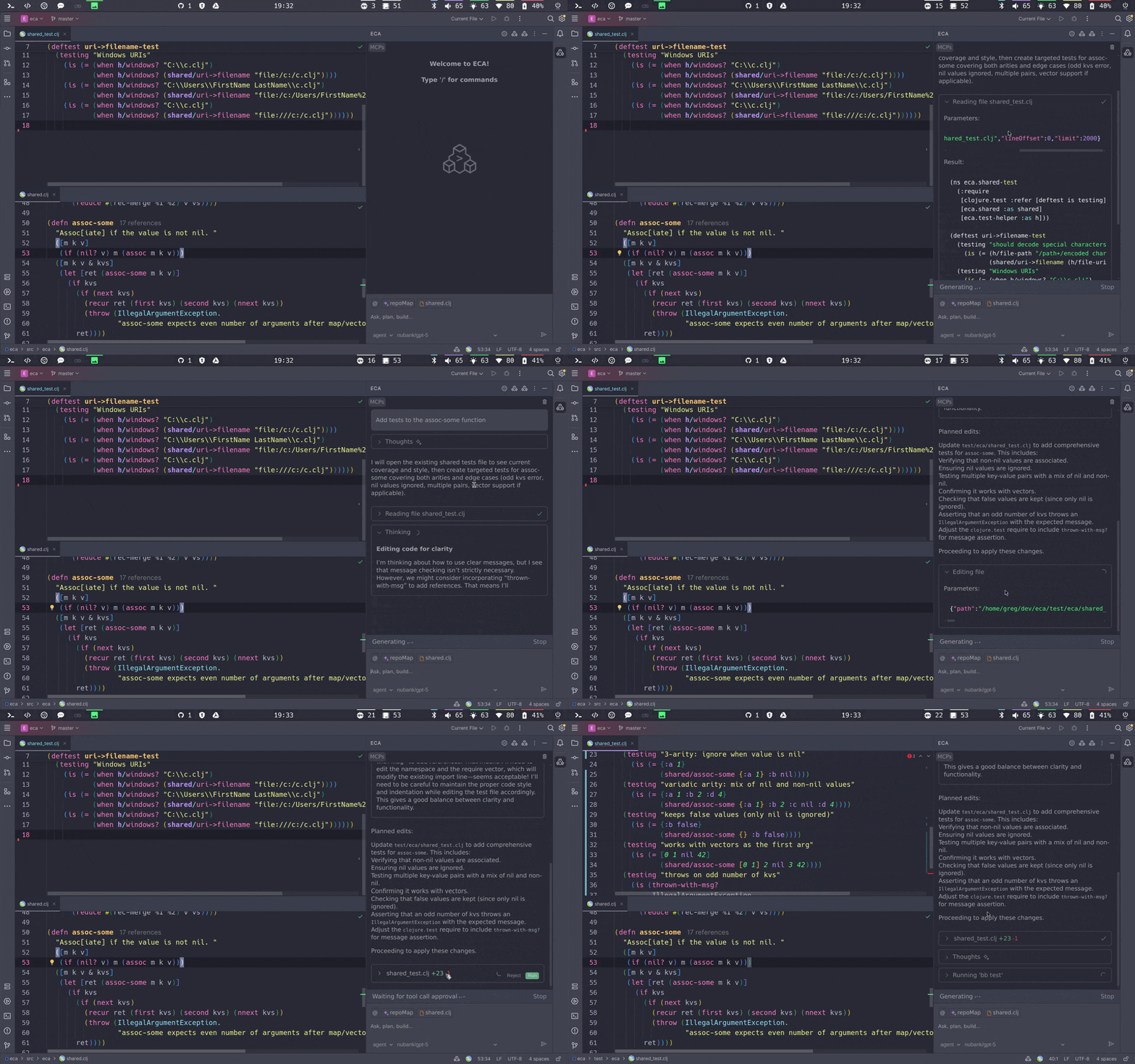 |
installation • features • configuration • models • protocol troubleshooting
- 📄 Editor-agnostic: protocol for any editor to integrate.
- ⚙️ Single configuration: Configure eca making it work the same in any editor via global or local configs.
- ➿ Chat interface: ask questions, review code, work together to code.
- ☕ Agentic: let LLM work as an agent with its native tools and MCPs you can configure.
- 💉 Context: support: giving more details about your code to the LLM, including MCP resources and prompts.
- 🚀 Multi models: Login to OpenAI, Anthropic, Copilot, Ollama local models and many more.
- 📈 OpenTelemetry: Export metrics of tools, prompts, server usage.

A Free and OpenSource editor-agnostic tool that aims to easily link LLMs <-> Editors, giving the best UX possible for AI pair programming using a well-defined protocol. The server is written in Clojure and heavily inspired by the LSP protocol which is a success case for this kind of integration.
The protocol makes it easier for other editors to integrate, and having a server in the middle helps add more features quickly, some examples:
- Tool call management
- Multiple LLM interaction
- Telemetry of feature usage
- Single way to configure for any editor
- Same UX, easy to onboard people and teams.
With the LLMs models race, the differences between them tend to be irrelevant in the future, but UX on how to edit code or plan changes is something that will exist; ECA helps editors focus on that.
How it works: Editors spawn the server via eca server and communicate via stdin/stdout, similar to LSPs. Supported editors already download the latest server on start and require no extra configuration.
Install the plugin for your editor and ECA server will be downloaded and started automatically:
To use ECA, you need to configure at least one model / provider (tip: Github Copilot offer free models!).
See the Models documentation for detailed instructions:
- Type in the chat
/login. - Choose your provider
- Follow the steps to configure the key or auth for your provider.
- This will add to the global config.json the config for that provider.
Note: For other providers or custom models, see the custom providers documentation.
Once your model is configured, you can start using ECA's features interface in your editor to ask questions, review code, and work together on your project.
Type /init to ask ECA to create/update a AGENTS.md file, which will help ECA in the next iterations have good context about your project standards.
Check the planned work here.
Consider sponsoring the project to help grow faster, the support helps to keep the project going, being updated and maintained!
Contributions are very welcome, please open an issue for discussion or a pull request. For developer details, check development docs.
These are all the incredible people who helped make ECA better!


